How it works
From your menu
to a QR code
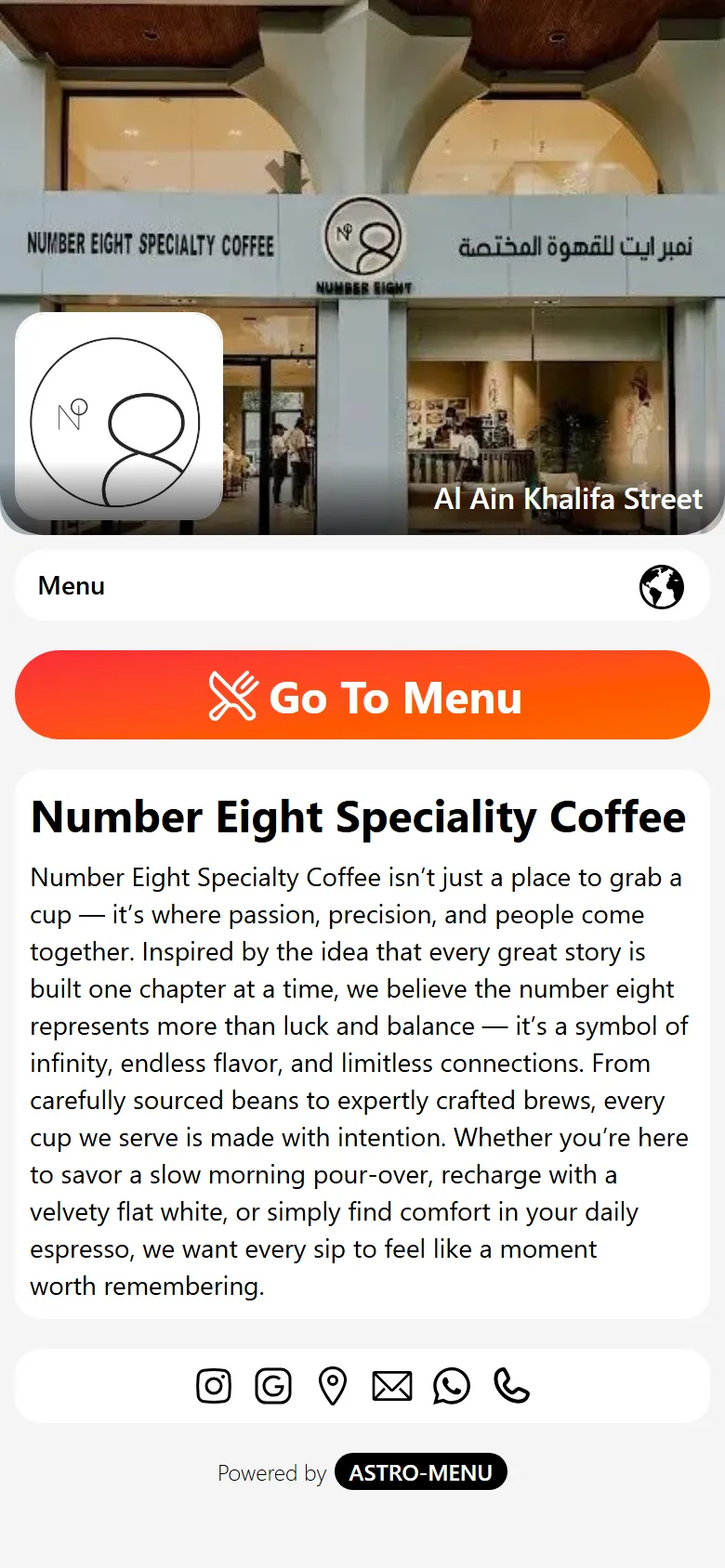
Four steps. The first one is the only one that takes real work, and it is the one we do for you.
The four steps
What actually happens
- 01
Send us your menu
Send the PDF, the photos, even a snapshot of the printed card. We do the conversion by hand — every section, item, description and price — and hand the finished menu back for you to check.
This is the part that takes real work, and it is the part we do for you.
- 02
Make it yours
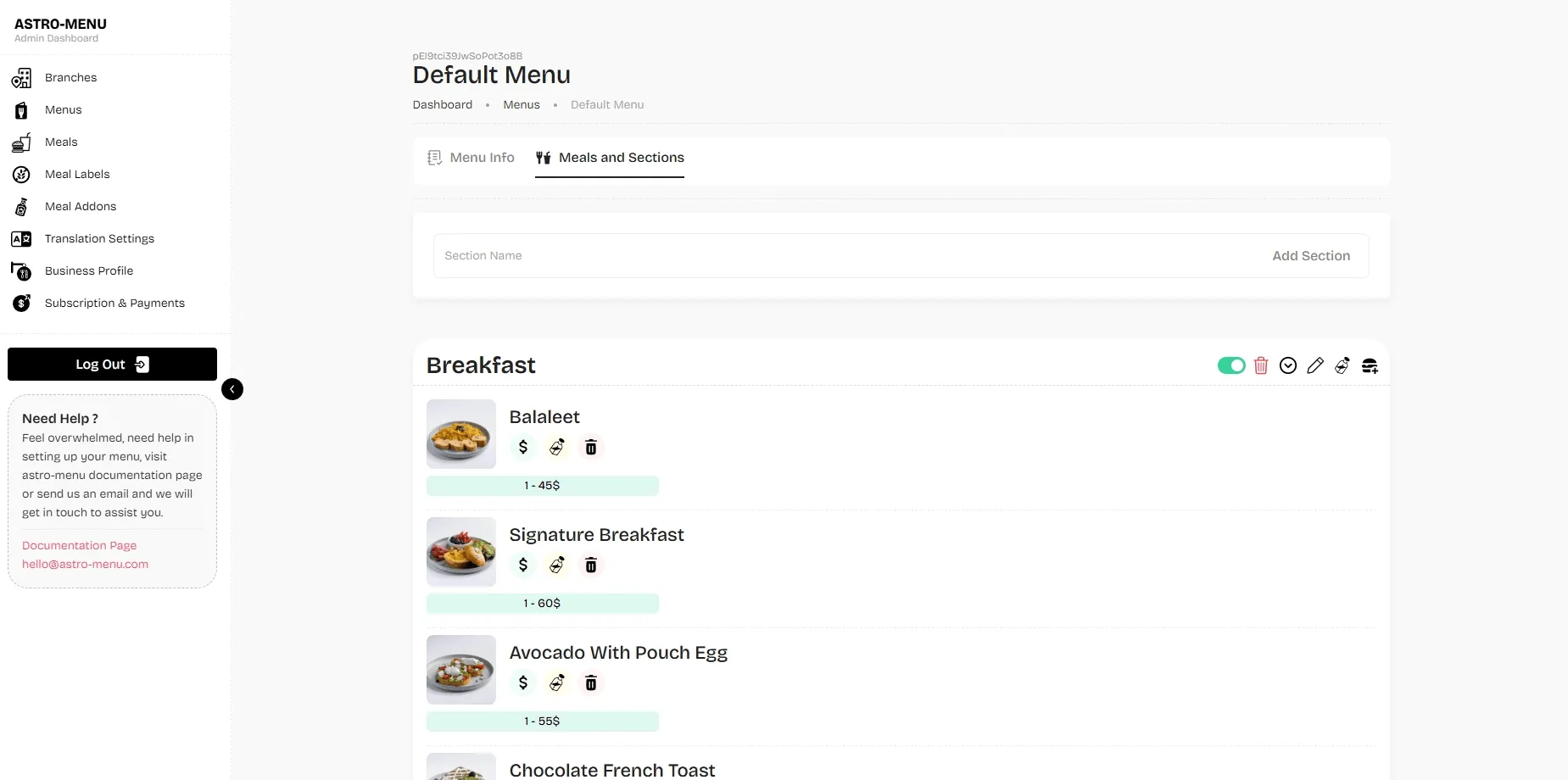
Cover photo, logo, colours, section order, a photo on each dish. Tell us the languages you serve in — yours plus two more are included — and Astro-Menu translates the whole menu.
Everything is a field in the dashboard. No designer, no ticket.
- 03
Print the code, share the link
Download the QR print-ready and copy your link. Both point at the same live menu, and neither ever changes.
Table tents, window decals, Instagram bio, Google profile, delivery bags.
- 04
Change it whenever you like
Sold out of the salmon? Toggle it off. New price? Type it. The change is live before you put your phone down.
No reprint, no re-sticker, no waiting on anyone.
What we need from you
Send it in whatever
form you have it
You do not need to prepare anything. A photo of the printed menu taken on your phone is enough to start.
- Your current menu — a PDF, a photo of the printed card, or a spreadsheet
- Your logo
- A cover photo of the venue
- The languages you serve in — yours plus two more are included
- Dish photos, eventually — they can be added one at a time later
We will load the first menu for you.
Email it to hello@astro-menu.com and we will send back a menu ready for you to check, correct and publish.

Then it is yours
Everything is a field
in the dashboard
Once the menu is loaded, nothing needs us again. Every change is something you make yourself, in seconds, from a phone.
Send us the menu you have now
We will convert it by hand and send it back ready to check. 30 days free, no card.
$26.95 a month after the trial · 99 AED · Cancel any time$15.99 a month after the trial · Cancel any time