How to Create a Visually Stunning Digital Menu with Astro-Menu
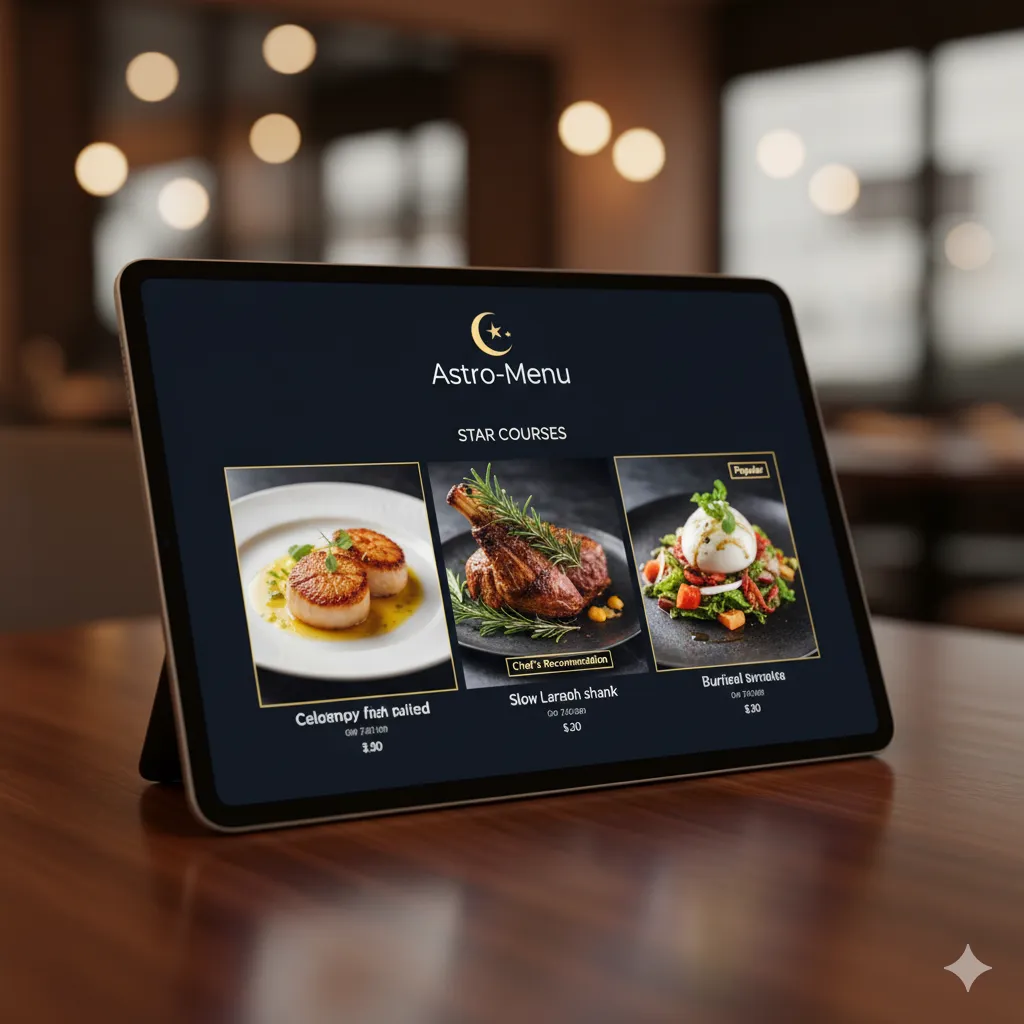
In the age of Instagram, aesthetics matter. Your digital menu is a key part of your brand’s visual identity. A beautiful menu not only looks professional but can also make your dishes more appealing and guide your customers’ choices. With Astro-Menu, you have the tools to create a stunning menu, even if you’re not a designer.
Key Elements of a Visually Stunning Menu
1. High-Quality Photography: The single most important element of a visual menu is professional, high-quality photos of your food. Invest in good photography; it will pay for itself.
2. Consistent Branding: Your menu should reflect your restaurant’s brand. Use your logo, brand colors, and fonts to create a cohesive look.
3. Clean and Uncluttered Layout: Don’t overwhelm your customers with too much information. Use white space effectively to create a clean and readable layout. Astro-Menu’s single-page scroll design is perfect for this.
4. Clear Hierarchy: Use different font sizes and weights to create a clear visual hierarchy. Your category names should be larger and bolder than the dish names, which should be more prominent than the descriptions.
5. Use of Icons and Badges: Use icons to represent dietary information (e.g., a leaf for vegetarian) and badges to highlight special items (e.g., “New” or “Chef’s Special”).
Customizing Your Menu with Astro-Menu
Astro-Menu makes it easy to implement these design principles.
- Upload Your Logo: Your logo will be prominently displayed at the top of your menu.
- Add Beautiful Photos: Easily upload high-resolution photos for every item.
- Organize with Categories: Structure your menu with clear and logical categories.
- Use Meal Tags: Add tags for dietary information, spice levels, or any other category you can think of.
- Featured Items: Highlight your most profitable or popular dishes to draw attention to them.
You don’t need to be a graphic designer to create a menu that looks amazing. By focusing on high-quality photos, consistent branding, and a clean layout, you can use Astro-Menu to build a digital menu that will impress your customers and boost your sales.