The Ultimate Guide to Implementing a QR Menu and Cloud POS System
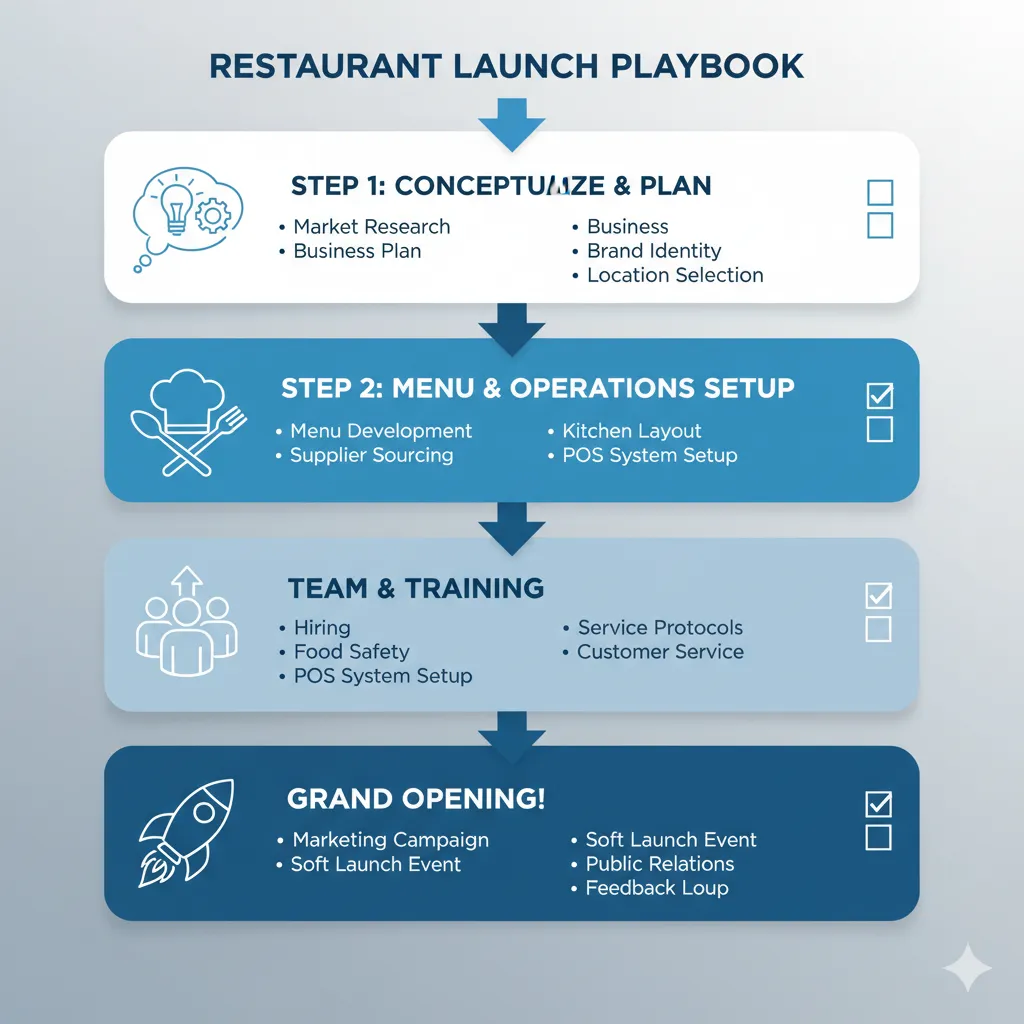
Adopting a QR menu and cloud POS system can be a transformative step for any restaurant. It promises increased efficiency, lower costs, and a better experience for your customers. However, a successful implementation requires careful planning and execution. This guide will walk you through the entire process, from selecting the right system to launching it in your restaurant.
Step 1: Define Your Needs and Goals
Before you start looking at providers, it’s crucial to understand what you want to achieve. Are you looking to speed up service, reduce errors, or gain better insights into your sales data?
Key considerations:
- Business Type: A fine-dining restaurant will have different needs than a food truck or a café.
- Budget: Determine your budget for setup costs and ongoing subscription fees.
- Features: What are your must-have features? (e.g., inventory management, multi-language support, detailed analytics).
Step 2: Choose the Right Provider
With a clear understanding of your needs, you can start evaluating different QR menu and cloud POS providers. Look for a solution that is not only feature-rich but also user-friendly for both your staff and customers.
What to look for in a provider:
- Ease of Use: The interface should be intuitive.
- Integration: Does it integrate with your existing systems? Or does it offer an all-in-one solution like Astro-Menu?
- Customer Support: Look for providers with responsive and helpful customer support.
- Scalability: Choose a system that can grow with your business.
Step 3: Plan Your Menu and Setup
Once you’ve chosen a provider, it’s time to set up your digital menu. This is your opportunity to create a visually appealing and easy-to-navigate menu.
Best practices for menu setup:
- High-Quality Images: Use professional photos of your dishes.
- Detailed Descriptions: Write clear and enticing descriptions for each item.
- Use Tags: Implement meal tags for dietary restrictions (e.g., “Vegan,” “Gluten-Free”) and popular items.
Step 4: Train Your Staff
Your staff is key to a successful rollout. Proper training will ensure they are comfortable with the new system and can assist customers effectively.
Training should cover:
- How to take orders and process payments.
- How to manage the digital menu (e.g., updating item availability).
- How to troubleshoot common issues.
Step 5: Launch and Promote
It’s time to go live! Place QR codes in visible and easily accessible locations on your tables, counters, and even on your marketing materials.
Promotion ideas:
- Announce the new system on your social media channels.
- Offer a small discount for the first few customers who use the QR menu to order.
- Encourage feedback to make improvements.
By following these steps, you can ensure a smooth and successful implementation of your new QR menu and cloud POS system, setting your restaurant up for greater success.